

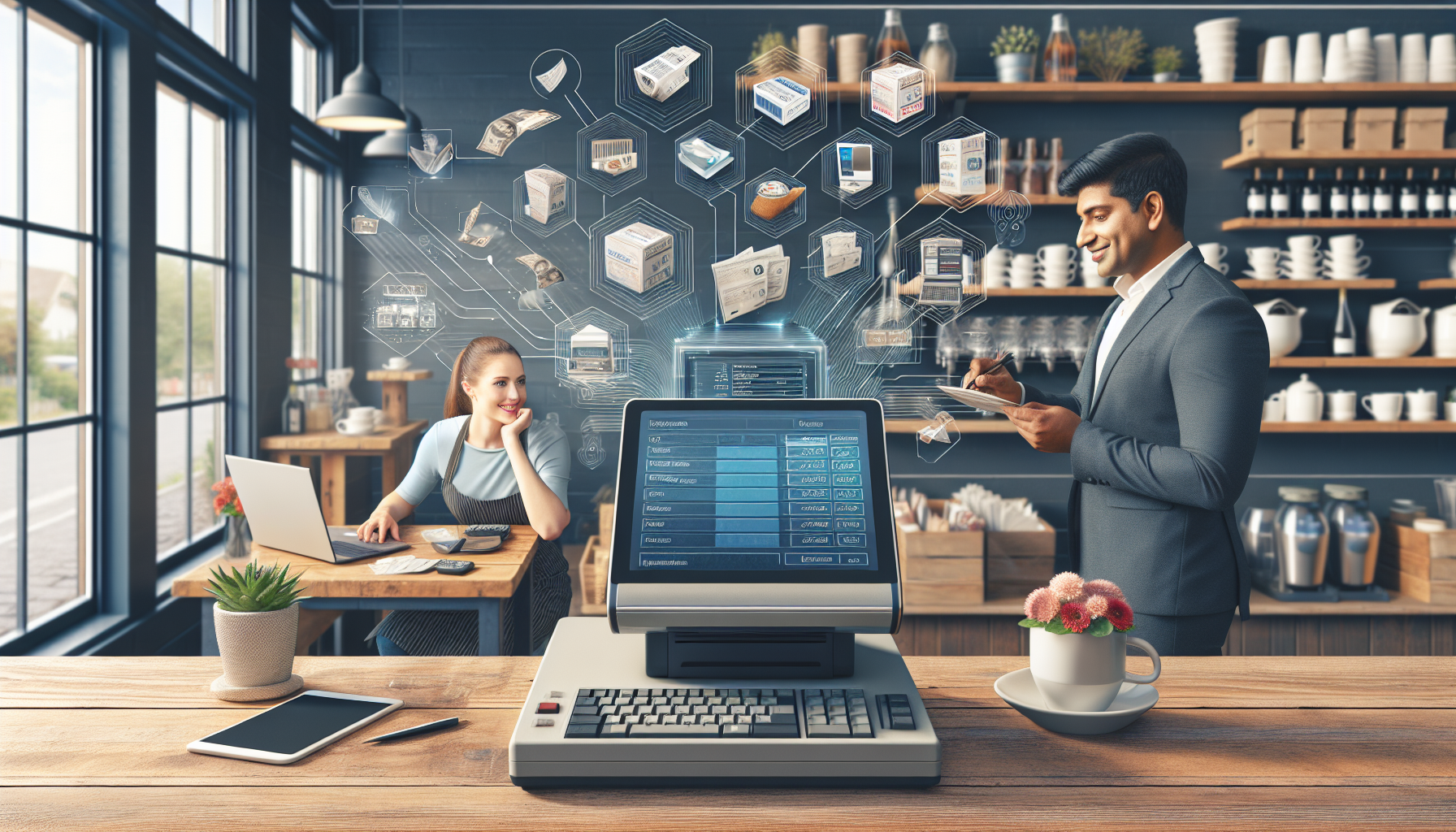

Implementing an Automated Invoicing System for Small Businesses
Understanding Automated Invoicing
Automated invoicing systems streamline the billing process, transforming how small businesses manage their finances. An automated system replaces traditional manual invoicing, reducing errors and saving time. The core components of these systems include template creation, invoice scheduling, payment processing, and reminders for due payments.
Benefits of an Automated Invoicing System
-
Time Efficiency: Automation minimizes the time spent on invoice creation and sending. For small businesses with limited resources, this efficiency frees up valuable time for focusing on core operations.
-
Error Reduction: Manual entry often leads to mistakes that can impact cash flow and customer relationships. Automated systems utilize templates and pre-filled data, significantly decreasing human error.
-
Improved Cash Flow: With timely invoicing and reminders, businesses can enhance their cash flow. An automated system allows for quicker payments and better tracking of outstanding invoices.
-
Comprehensive Reporting: Many automated systems offer detailed reporting features. This allows small business owners to analyze cash flow, sales trends, and outstanding payments, facilitating informed financial decisions.
-
Enhanced Professionalism: Automated invoicing programs create uniform, professional invoices. This consistency improves the company’s image and instills confidence in customers.
Key Features to Look for in an Automated Invoicing System
-
User-Friendly Interface: The system should be intuitive, making it easy for users with varying degrees of technical expertise to navigate.
-
Customizable Templates: Flexibility in design allows businesses to adjust invoices according to branding guidelines. Customizable templates ensure that businesses can present a consistent identity across all communications.
-
Recurring Billing Options: For businesses with subscription models, automated recurring billing options help manage regular payments without manual input.
-
Payment Integration: Choose an invoicing system that offers various payment gateway integrations. This enables customers to pay via many methods, increasing the likelihood of on-time payments.
-
Automated Reminders: Look for systems that send automatic reminders for due dates. These reminders improve cash flow by nudging clients to settle outstanding invoices.
-
Mobile Compatibility: In today’s fast-paced business environment, the ability to send and manage invoices on mobile devices is crucial. A mobile-compatible system ensures accessibility on-the-go.
Steps to Implement an Automated Invoicing System
-
Assess Your Business Needs: Evaluate the specific invoicing challenges your business faces. Identify whether you need solutions for recurring billing, detailed reporting, or multi-currency support.
-
Research Software Options: Explore various invoicing software available in the market. Popular options include FreshBooks, QuickBooks, Wave, and Zoho Invoice. Compare features, pricing, user reviews, and customer support.
-
Trial and Feedback: Many invoicing platforms offer free trials. Use this opportunity to test the systems, obtain feedback from your team, and gauge compatibility with existing workflows.
-
Setup and Customization: Once a system is selected, set it up according to your business structure. Configure payment options, customize invoice templates, and import existing customer data.
-
Training and Integration: Provide training for relevant employees about how to use the automated invoicing system. Ensure that the new system integrates seamlessly with other business tools like accounting software and CRM systems.
-
Monitor and Optimize: After implementation, continuously monitor the system’s performance. Gather data and assess how it’s impacting invoice processing times, cash flow, and customer satisfaction. Make adjustments as necessary.
Best Practices for Using Automated Invoicing Systems
-
Maintain Accurate Customer Information: Regularly update contact details and payment information to ensure invoices reach the right person and payments are processed correctly.
-
Create Clear Payment Terms: Define your payment terms clearly on each invoice, including due date and penalties for late payments, to avoid misunderstandings.
-
Follow-Up: Utilize automated reminder features for unpaid invoices. Sending reminders 3-5 days before the due date can encourage timely payments without manual tracking.
-
Regularly Review Reports: Use the reporting features to understand which invoices are being paid on time and which clients may be chronically late. This data can inform future management decisions.
-
Prioritize Customer Experience: Ensure that the invoicing process is customer-friendly, leading to timely payments. Offering multiple payment options enhances convenience.
Security Considerations
-
Data Encryption: Ensure that any chosen invoicing system employs strong encryption to protect sensitive customer and business financial data from breaches.
-
Regular Backups: Choose a system that offers automatic data backups to prevent the loss of vital information.
-
Access Control: Limit access to the invoicing system to only those who need it. This reduces the risk of unauthorized adjustments to invoices or client data.
Conclusion
Implementing an automated invoicing system presents a valuable opportunity for small businesses to improve efficiency, increase cash flow, and enhance customer relations. By understanding the benefits, key features, and best practices, small business owners can make informed decisions that contribute significantly to their organizational growth.
Investing time in research and the implementation process will yield numerous advantages, allowing small businesses to thrive in an increasingly digital economy.
 English