


Streamlining Your Workflow: A Guide to Automating Repetitive Tasks for Small Businesses
Understanding Workflow Automation
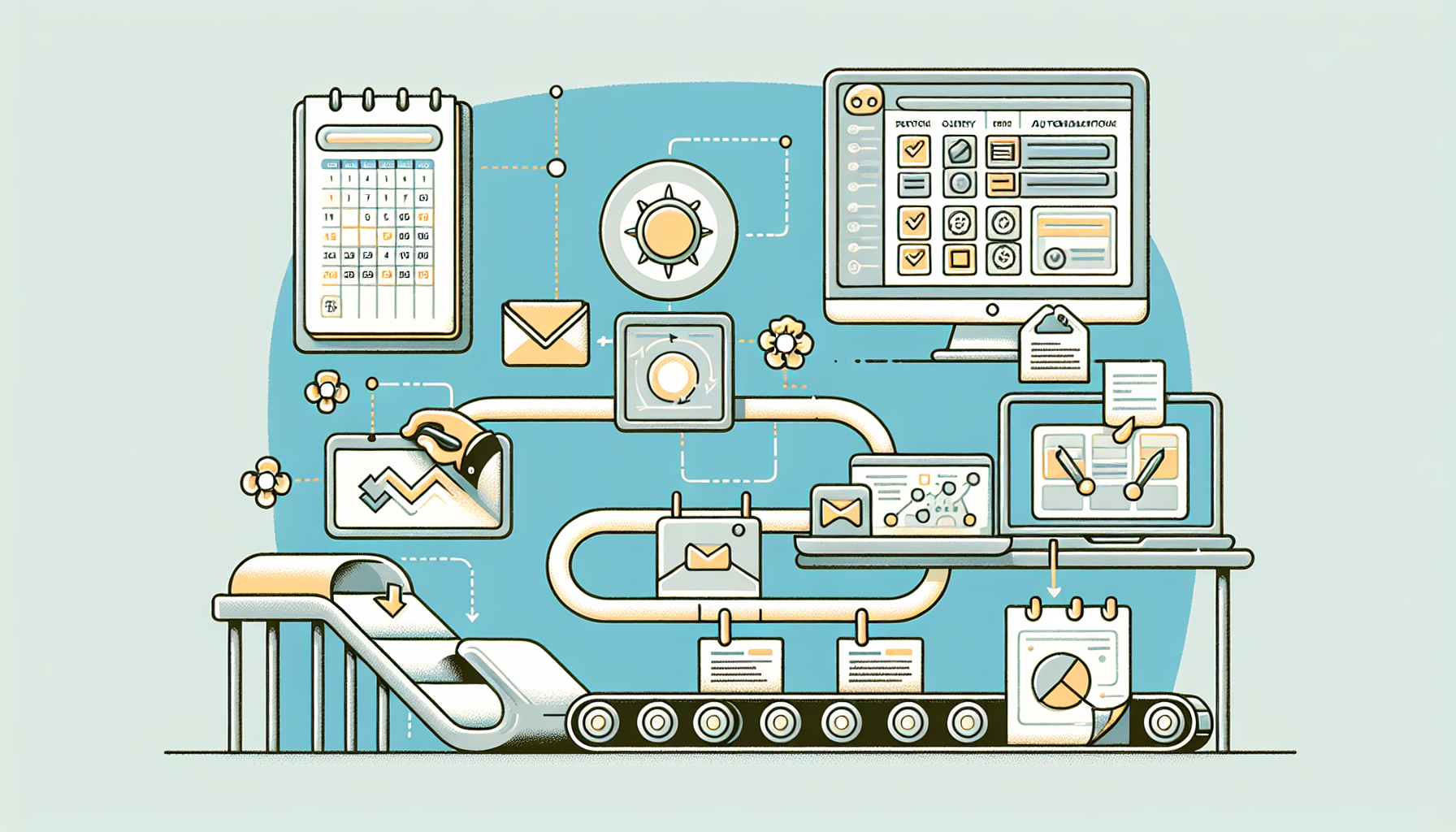
Workflow automation is the use of technology to automate manual processes and tasks, streamlining operations and increasing efficiency. For small businesses, this can mean freeing up valuable time and resources, enabling employees to focus on more strategic tasks rather than repetitive duties.
Identifying Repetitive Tasks
The first step in automating your workflow is identifying the most tedious and repetitive tasks that drain productivity. Common areas where automation can be beneficial include:
- Data Entry: Inputting information into spreadsheets or databases can be labor-intensive.
- Email Responses: Managing customer inquiries often requires standard replies.
- Invoicing and Payments: Tracking and managing transactions can consume significant time.
- Social Media Posting: Regularly engaging with customers on social platforms demands consistency.
Mapping Your Current Workflow
Before implementing new tools, you need to comprehend your current processes. Create a workflow map detailing each step of a task. Utilize flowchart tools like Lucidchart or Microsoft Visio to visualize the workflow clearly. Once mapped, you can easily spot inefficiencies and areas ripe for automation.
Choosing the Right Automation Tools
Selecting the appropriate tools to automate your tasks is essential. Here are some popular categories and tools to consider:
-
Task Management:
- Trello: A visual tool for organizing tasks and tracking project progress.
- Asana: Great for assigning tasks, setting deadlines, and managing workflows.
-
Email Automation:
- Mailchimp: For automating email marketing campaigns and segmenting lists.
- Boomerang: A tool for scheduling emails and setting reminders.
-
Data Entry Automation:
- Zapier: Connects different apps and automates workflows without coding.
- Integromat: Similar to Zapier but offers more customization for complex workflows.
-
Invoicing and Payments:
- QuickBooks: An industry leader for accounting that allows for automated invoice creation and management.
- Stripe: For automating online payment processing seamlessly.
-
Social Media Management:
- Hootsuite: Schedule posts and manage interactions across multiple platforms.
- Buffer: Similar to Hootsuite, focusing on scheduling content effortlessly.
Implementing Automation Strategies
Now that you have chosen the tools, it’s time to develop a strategy for implementation.
-
Set Clear Goals: Determine what you wish to achieve with automation. Is it faster invoicing? Better customer communication? Setting measurable goals will aid in assessing the effectiveness of your automation efforts.
-
Start Small: Begin with one or two processes to automate. This avoids overwhelming your team and allows for adjustments based on initial results.
-
Training and Acceptance: Ensure your team is on board with the new tools. Offer training sessions to familiarize them with the technologies and demonstrate the benefits.
-
Monitor and Optimize: Once the automation is in place, continuously monitor performance metrics. Adjust and optimize as needed to ensure maximum efficiency and productivity.
Automating Communication
Streamlining communication can significantly improve your workflow. For example, using chatbots on your website can handle customer inquiries instantly, reducing wait times and improving user experience. Platforms like Drift and Intercom provide easy-to-integrate chatbot solutions that can pre-qualify leads and answer common questions.
Integrating Systems for Cohesive Workflows
A crucial step in workflow automation is integrating different tools to work together seamlessly. This prevents the occurrence of data silos and ensures that information flows smoothly across systems.
- Use APIs: Many platforms offer APIs (Application Programming Interfaces) that allow different software to communicate and share data automatically.
- Centralized Dashboards: Tools like Monday.com and Airtable provide centralized dashboards to view and manage various aspects of your business in one location.
Time Tracking for Enhanced Efficiency
Integrating time-tracking tools such as Toggl or Harvest helps monitor how much time is spent on various tasks. This data can inform future automation decisions, allowing you to identify the biggest time-sinks and prioritize them for efficiency improvements.
Regular Review of Automated Processes
Automation isn’t a one-time setup; it requires regular reviews to ensure processes remain relevant and efficient.
- Feedback Mechanism: Establish a system for employees to provide feedback on automated processes. This insight can be invaluable for recognizing pain points that require attention.
- Stay Up-to-Date with Technology: As technology evolves, so do automation tools. Regularly explore new features and solutions that can further streamline your workflows.
Success Stories of Automated Workflows
Several small businesses have benefitted significantly from workflow automation. For instance, a local e-commerce store streamlined its order processing by integrating its online storefront with its inventory management system. This reduced manual entry, minimized errors, and improved the overall customer experience.
Similarly, a digital marketing agency utilized automation tools to manage social media campaigns, allowing them to focus on strategy rather than content posting, which saved them 20 hours a month.
Key Metrics to Measure ROI
To determine the effectiveness of your automation efforts, track key performance indicators (KPIs) such as:
- Time Saved: How much time has automation freed up for strategic work?
- Error Rates: Analyze whether automation has reduced mistakes in tasks like data entry or invoicing.
- Customer Satisfaction: Monitoring feedback and engagement rates can signal improvements in service quality.
Conclusion
Transitioning to automated workflows transforms how small businesses operate, promoting efficiency and productivity. Investing time in understanding current processes, selecting the right tools, and continuously optimizing will make a noticeable difference. With careful planning and execution, automation can empower your small business to thrive.
 English